Create a new Application
1. Login at permits.charlottesville.gov/portal

2. Click the “Create New Application” option in the blue navigation bar.

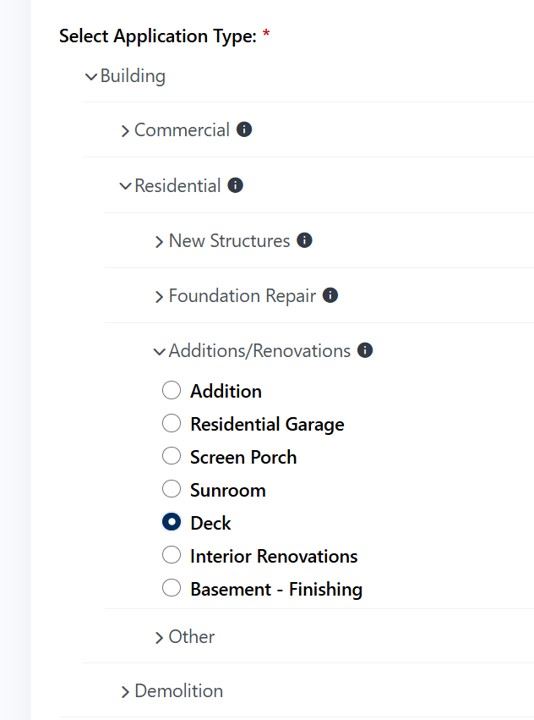
3. Select the appropriate options Under Application Type:
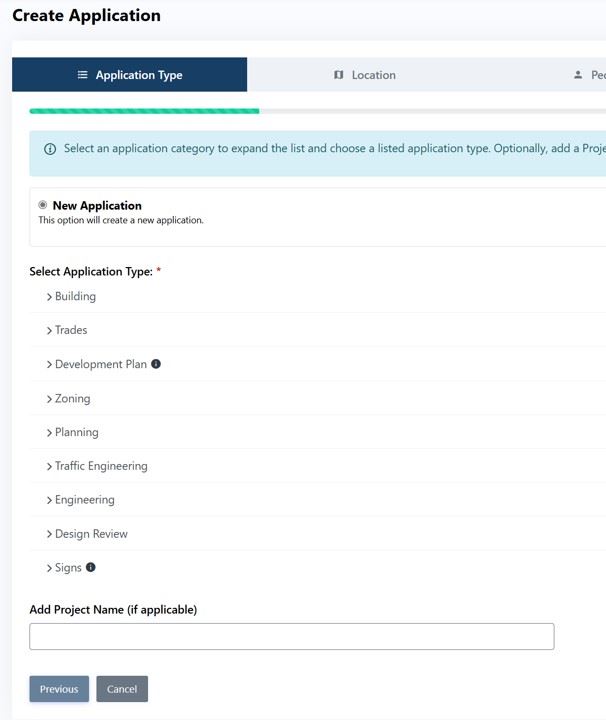
4. Select the Application type and Subtype
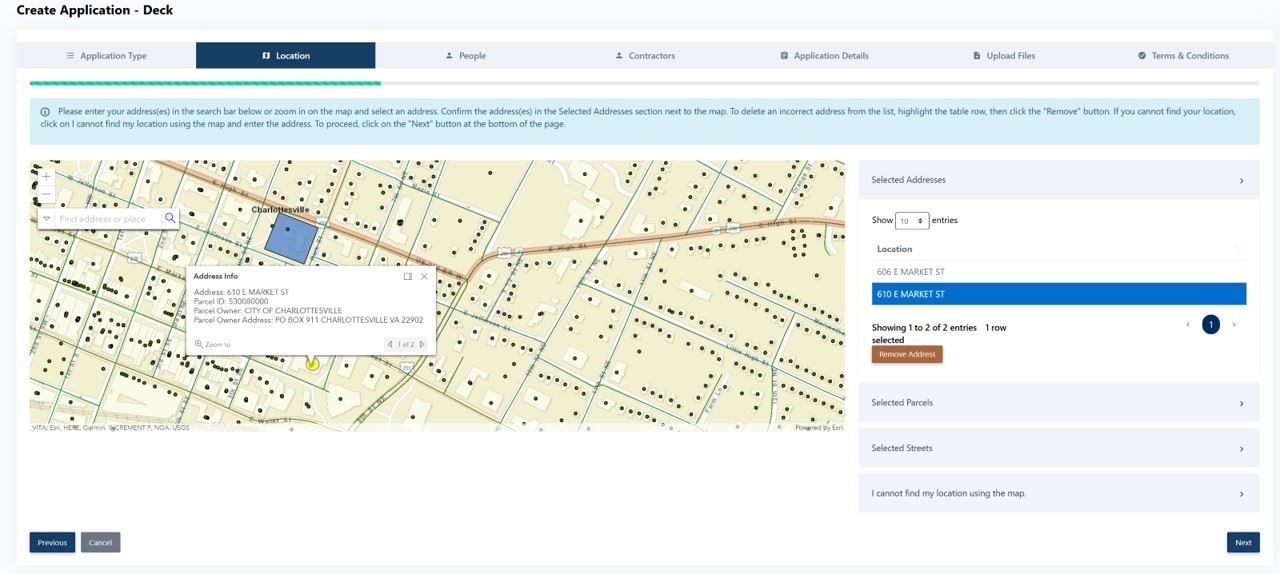
5. Search for the Address in the Location tab and add it
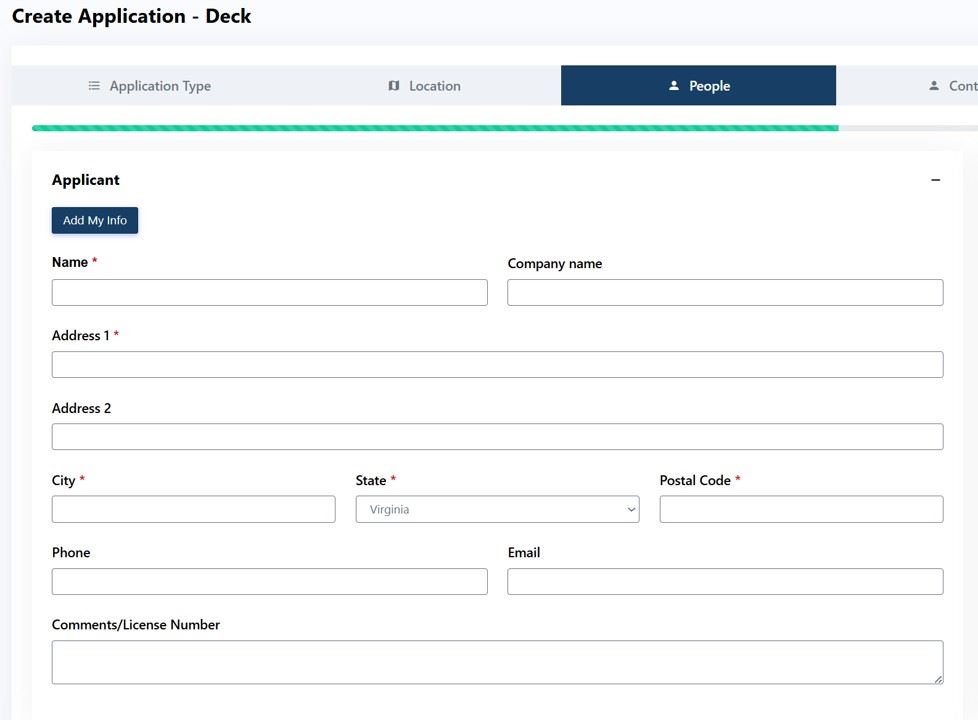
6. Add Contact information for any required role
7. Add contractor information if applicable

8. Complete the Applications details with the information about the project
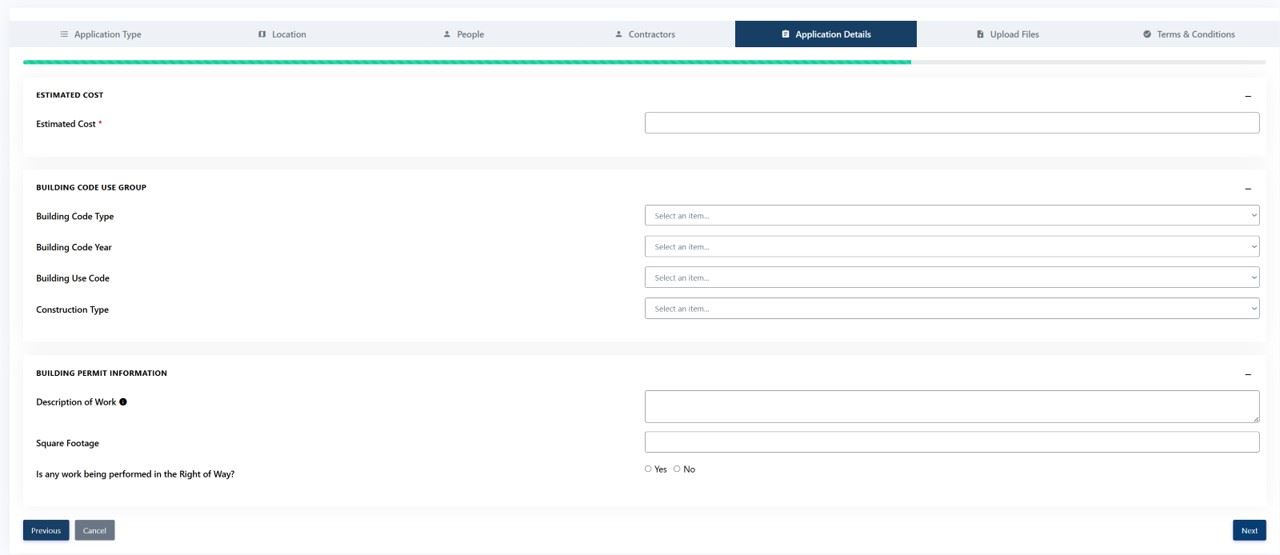
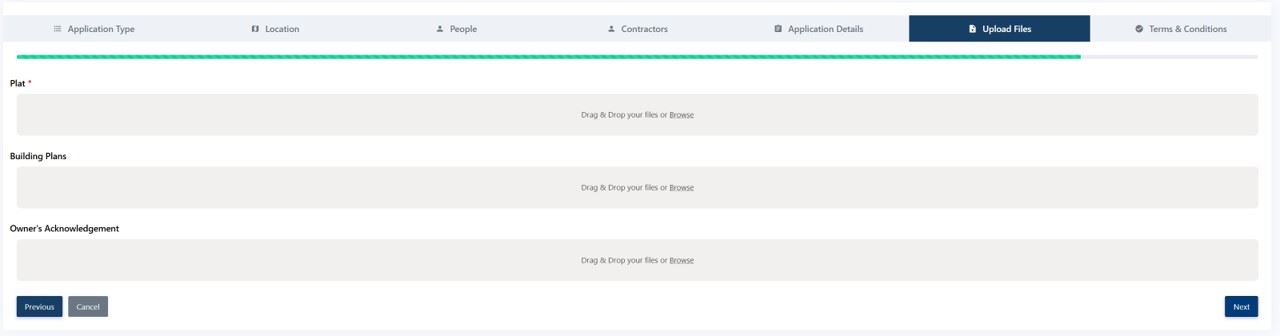
9. Upload files. Note that this upload screen supports files of 5MB or less.
10. Read and agree with the terms and conditions.
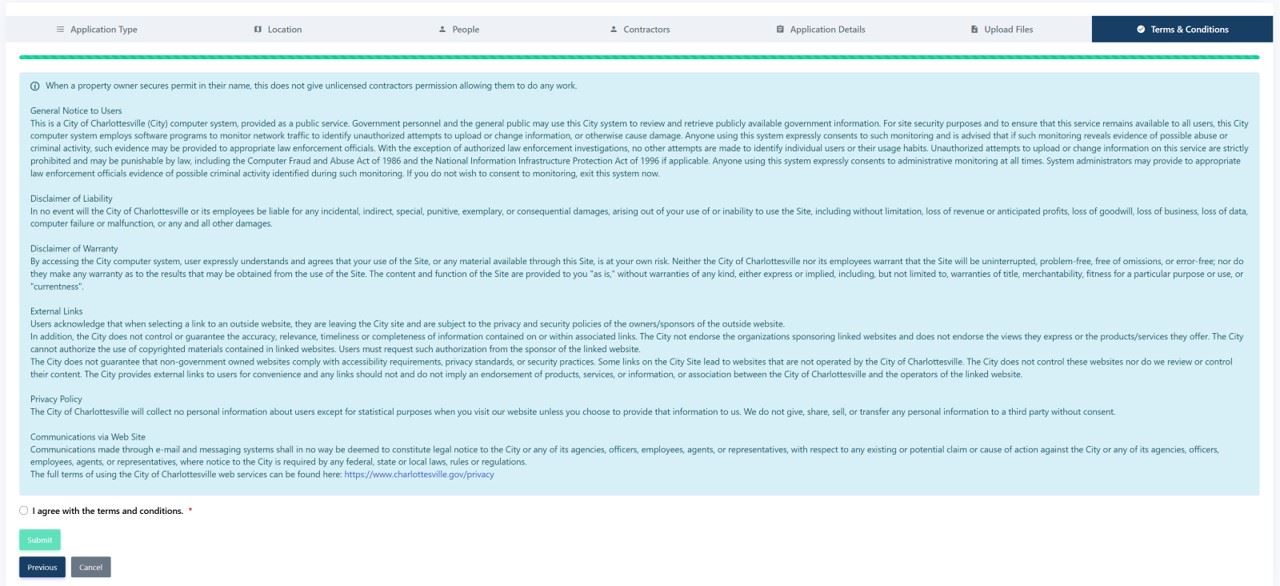
11. Submit the application
12. Upload any files greater than 5MB in the Upload Documents popup window.

13. Make note of the permit number in the Application Created screen. The permit will now be on your dashboard for further tracking.
